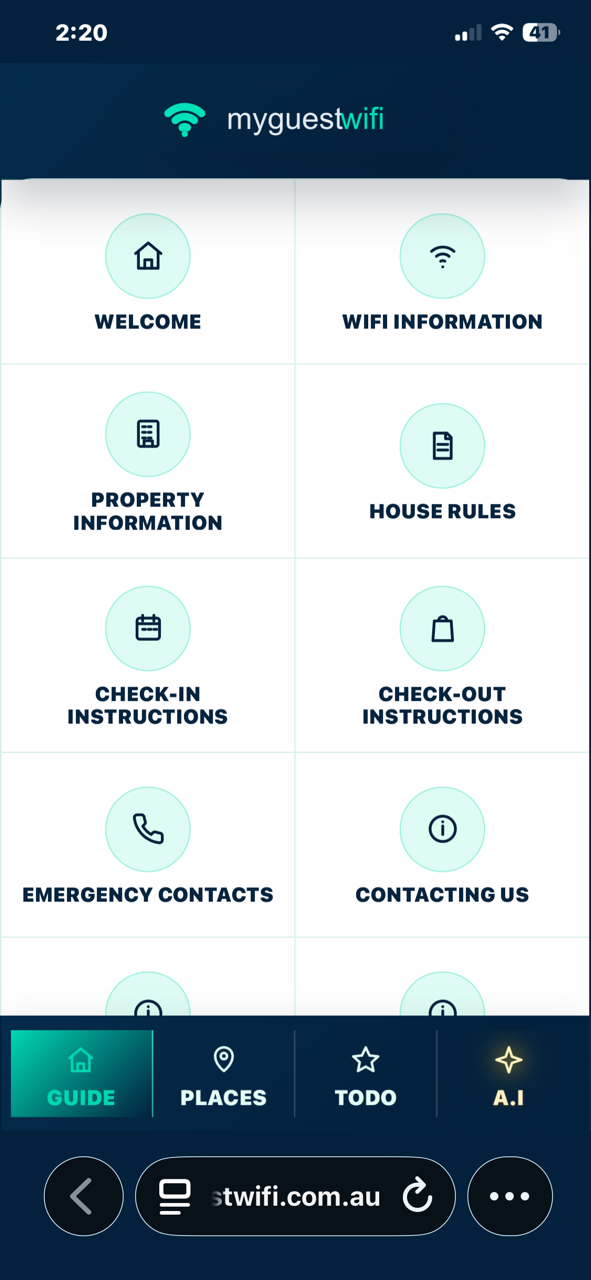
Guests Know Where to Start
Instead of searching old messages for the WiFi password or checkout steps, guests scan the QR code in the property.
QR code guest guide and WiFi portal
Place a QR sign in the property so guests can instantly open the right mobile guide, find the answers they need and stop messaging you for basic stay information.
Instead of searching old messages for the WiFi password or checkout steps, guests scan the QR code in the property.
Use the QR code on A4 signs, bench cards, fridge magnets, welcome folders or property cards while keeping the guide easy to update online.
Collect guest details and consent before guests unlock the guide, giving you a direct channel after checkout.
Use QR guest guides in Airbnb homes, motels, serviced apartments, holiday park cabins and boutique stays.
Guests scan the QR code and open the property portal.
Collect contact details and consent before unlocking key information.
Change the digital guide without reprinting every sign.
No. MyGuestWiFi opens in the guest’s mobile browser from a QR code.
Yes. Hosts can use QR downloads and signs for each property.
Yes. The portal can show WiFi details along with house and stay information.
The guest portal is mainly for guests, while public marketing pages can target SEO keywords for your accommodation business.
Start free with one property. Add your stay information, print your QR code and give guests a more professional experience from the moment they arrive.
Start Free